
The web widget on your website
The web widget is a chat bubble in the corner of your existing website, in your colour and with your logo. People tap it to chat with your Agent.
Add it to your website
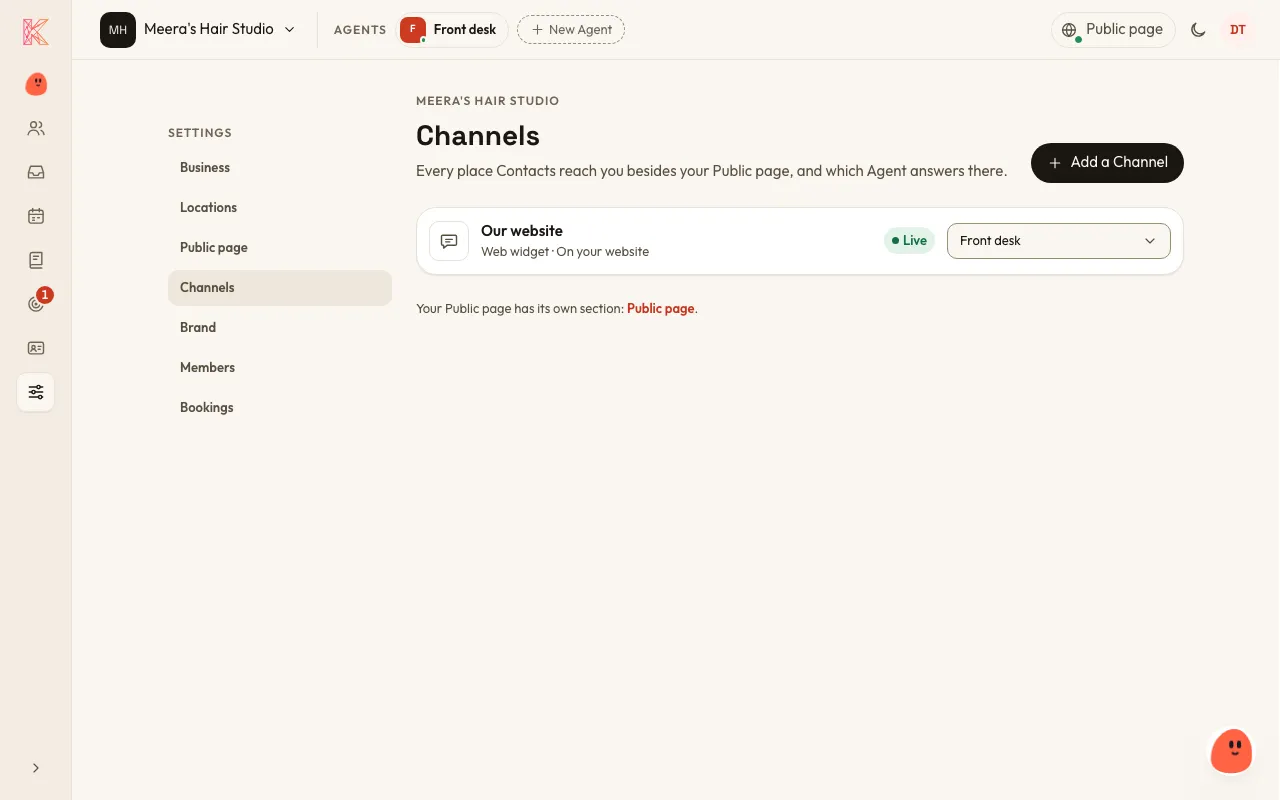
Section titled “Add it to your website”- Go to Settings → Channels, choose Add a Channel, then Web widget and Continue.
- Choose which Agent answers in it, and choose Add it.
- Under Check it works, use Preview to see the bubble on a sample page first. A chat in the preview is a real Conversation with your live Agent.
- Under Put it on your website, choose Copy code.
- Paste the code into every page of your website where the bubble should appear, just before
</body>.
Anyone who can edit your website can do this, on any website builder. If someone else looks after your website, send them the line of code.
Nobody becomes a Contact just by visiting your website: only once they chat.