
Promotions on WhatsApp
A Promotion is one message you write once and send on WhatsApp to many of your Contacts, from one of your WhatsApp numbers. It can have a photo above the text.
Promotions are still being rolled out, so they may not show in your account yet. Owners and Admins can check, test and send them.
Who gets it
Section titled “Who gets it”- Only Contacts who have said yes to promotions on WhatsApp. See Contacts.
- Not to a Contact whose Lead hasn’t been taken yet.
- Each phone number gets it at most once.
- It’s sent within WhatsApp’s rules: as a WhatsApp-approved message, or as a normal message to people who wrote to you in the last 24 hours. WhatsApp may charge your Meta account a small fee for approved messages.
Send one
Section titled “Send one”-
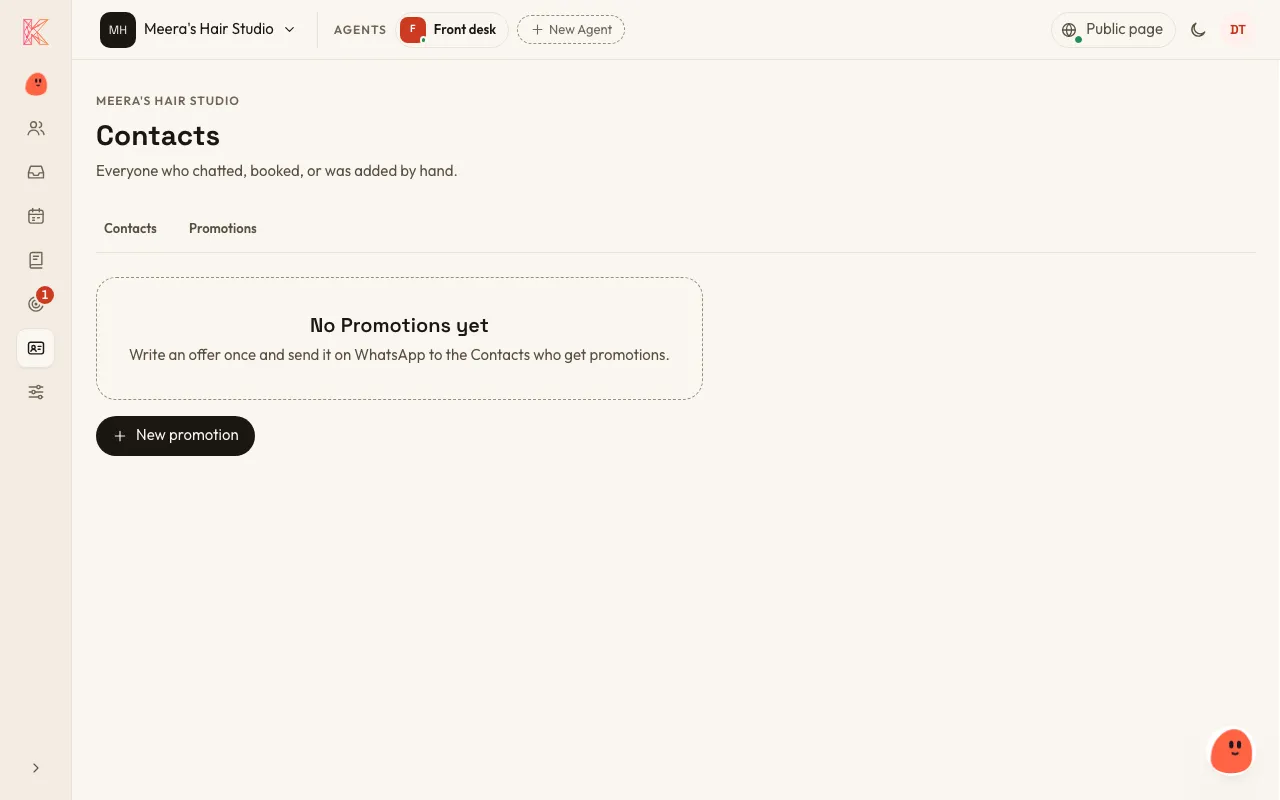
Go to Contacts → Promotions → New promotion, or tell Kriya:
“Send our regulars a 20% off colour this month.”
-
Write the message, and add a photo if you like. Kriya shows you the message and who it would go to.
-
Before sending, choose Ask WhatsApp to check it and read its answer. Once WhatsApp approves the message, you can choose Send a test to me.
-
Send it. Kriya sends only after you say yes.
Each Promotion is kept in the customer’s Conversation, so your Agent can answer questions about it, such as “Is the offer still on?”.
Promotions by email aren’t available yet.