Your business's details
Your business’s details are what every Agent answers from, and what your Public page shows. Change them in Settings, or ask Kriya. Your Agents use the new details straight away.
Business profile
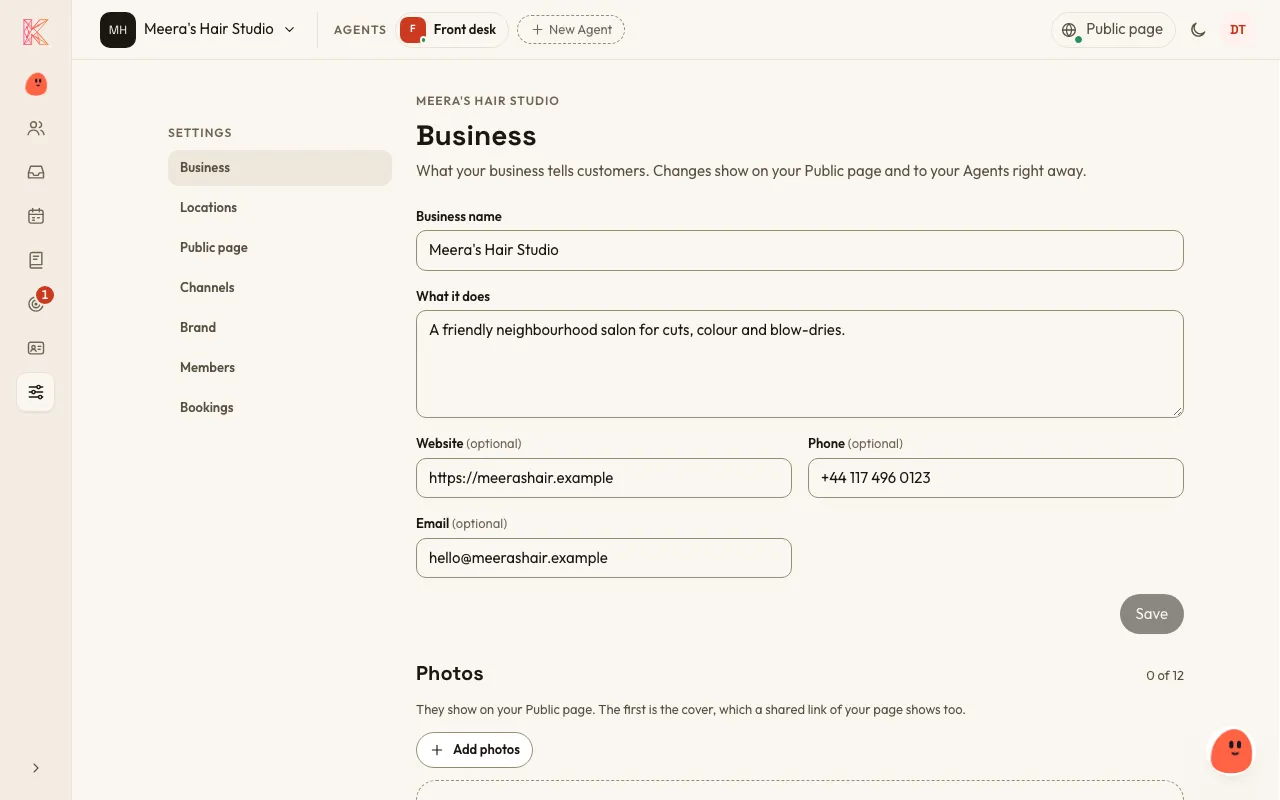
Section titled “Business profile”Your business’s name, what it does, website, phone, email and photos. Go to Settings → Business.
Locations
Section titled “Locations”Each place customers visit, with its address, hours, a label and its own phone number. A business can have none, one or several. Go to Settings → Locations.
Photos
Section titled “Photos”Up to 12 photos for your Public page. The first one is the cover. Go to Settings → Business.
Your logo, one brand colour and, if you like, gradients for your Public page. KriyaOS works out every other colour from yours, so your page always stays easy to read. Go to Settings → Brand.
Time zone
Section titled “Time zone”You set it when you first sign up, and you can change it in Settings → Bookings. Bookings are shown and checked in your time zone.