
Your team
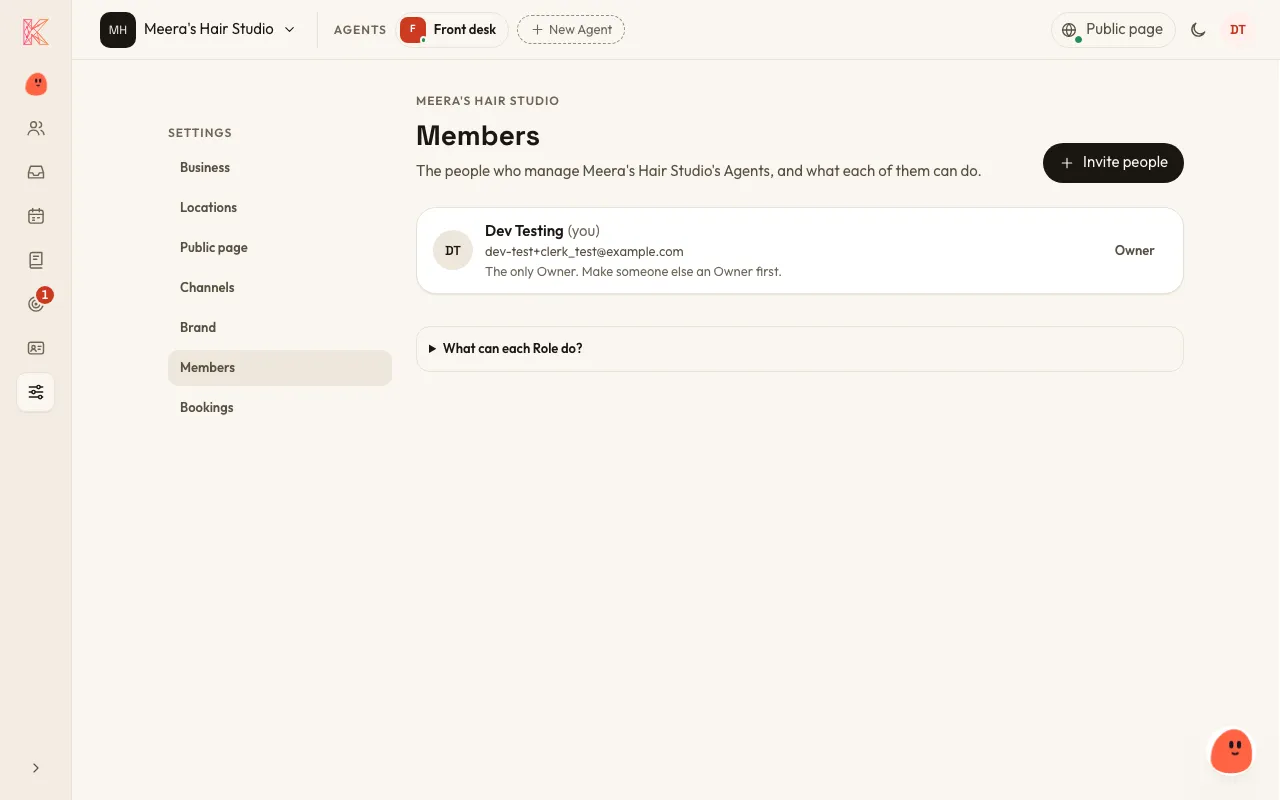
Everyone on your team with a KriyaOS login is a Member, and each Member has a role.
| Role | What they can do |
|---|---|
| Owner | Everything an Admin can do, plus inviting other Owners and downloading the Leads file. |
| Admin | Sets up and manages Agents, Channels, connections and Members. |
| Operator | Reads Conversations, chats with Agents, makes and changes Bookings, and works Leads, but can’t change any settings. |
Invite someone
Section titled “Invite someone”- Go to Settings → Members and choose Invite people.
- Enter their email, choose what they can do, and choose Send Invitation.
The invitation is good for 30 days. Owners and Admins can invite people, and only an Owner can invite another Owner.
More than one business
Section titled “More than one business”One person can belong to several Organizations, for example two businesses. Nothing is shared between them.